January 09, 2026
What Is WordPress? Understanding How WordPress Works and What It’s Used For
What is WordPress, and why does it power such a large percentage of websites on the internet today? WordPress is a content management system that allows individuals and businesses to create, manage, and publish websites without needing to write code. What began as a simple blogging tool has evolved into a powerful and flexible website platform used for business websites, online stores, portfolios, and large-scale content platforms.
Its open-source foundation, adaptability, and ease of use have made WordPress the most widely adopted website system in the world.
What Is WordPress?
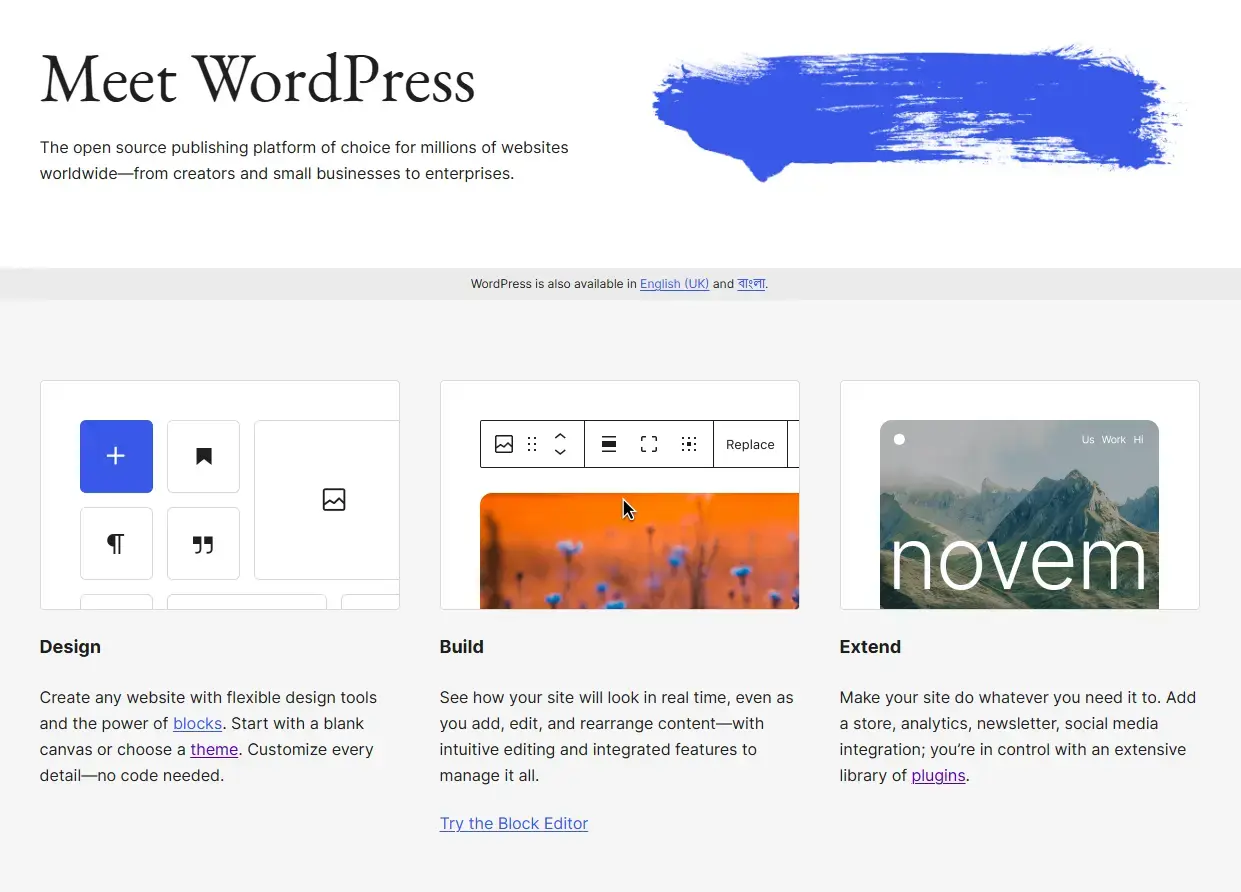
At its core, WordPress is a content management system (CMS). A CMS is software that enables users to build and maintain websites through an interface rather than manual programming.
With WordPress, users can:
- Create and edit pages and blog posts
- Upload images, videos, and documents
- Organize content with categories and tags
- Control navigation menus
- Customize design and layout
- Extend functionality using plugins
Technically, WordPress is open-source software, meaning its source code is publicly available and free to use. Developers around the world continuously contribute to its improvement, which has helped WordPress grow into a mature and reliable platform.
Today, WordPress powers over 40% of all websites globally, a clear indicator of its reliability and flexibility.
What Is WordPress Used For?
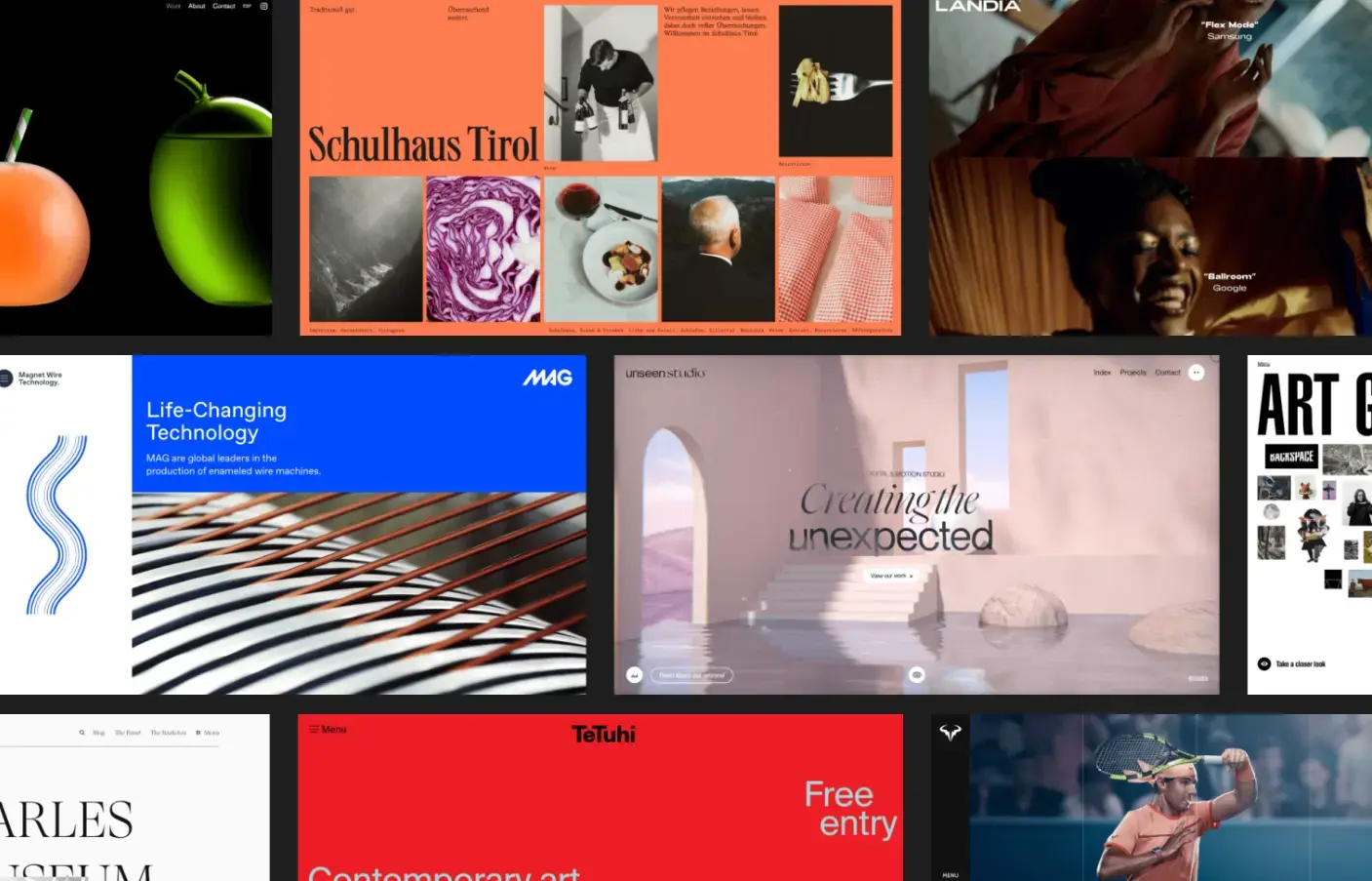
WordPress is used to build a wide variety of websites across nearly every industry. Its modular nature allows it to adapt to different use cases without requiring a complete rebuild.
Common Types of Websites Built With WordPress
WordPress is commonly used to create:
- Business websites showcasing services and products
- Blogs and content platforms
- eCommerce stores using tools like WooCommerce
- Portfolio websites for designers, developers, and creatives
- Personal websites and resumes
- Membership and subscription-based platforms
- Online learning and course websites
- Forums and online communities
- News and magazine-style websites
A WordPress site can start as a simple website and later expand into a more complex platform as needs evolve.
How WordPress Works: Themes, Plugins, and Content
WordPress works by combining several core components that control how a website looks and functions.
Themes: Controlling Design and Layout
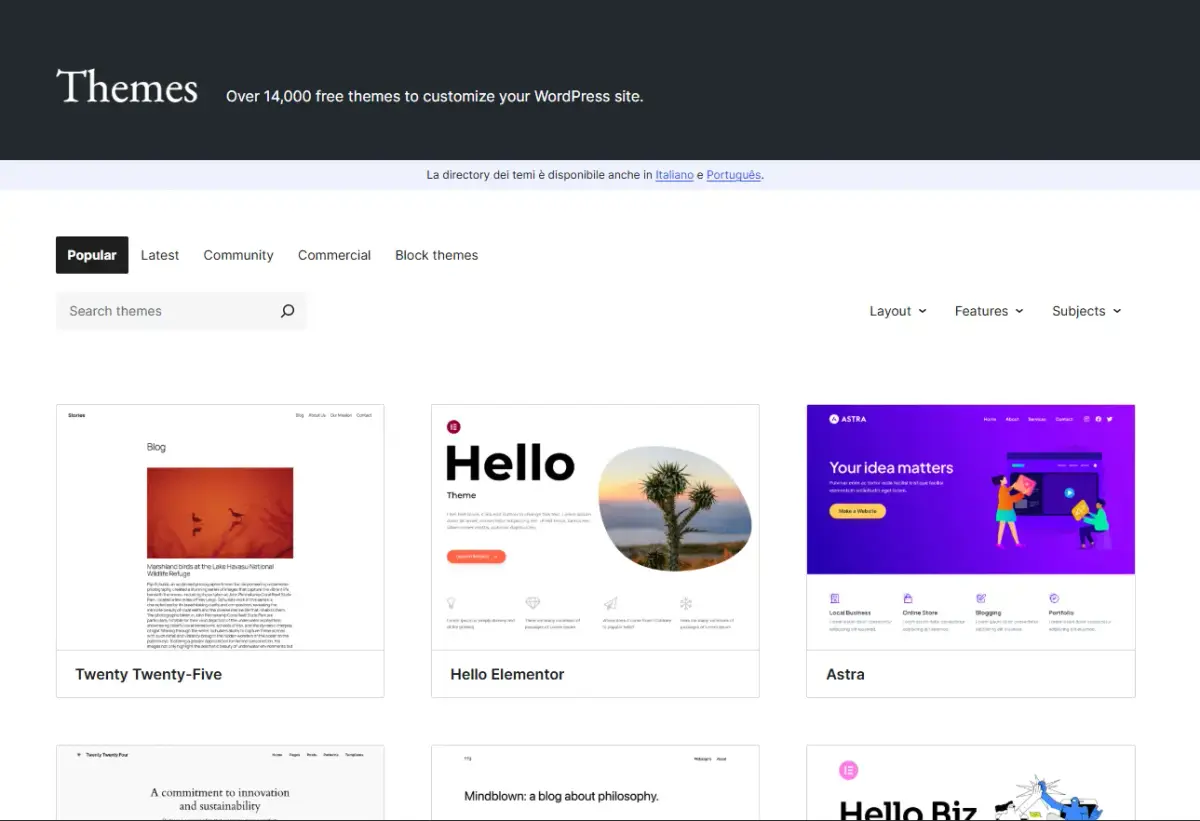
A WordPress theme defines the visual appearance of a website. Themes control layout, colors, typography, and page structure. Changing a theme does not remove content—it only changes how that content is displayed.
Themes can be:
- Free themes from the WordPress theme directory
- Premium themes with advanced design features
- Custom-built themes created specifically for a brand
Plugins: Extending WordPress Functionality
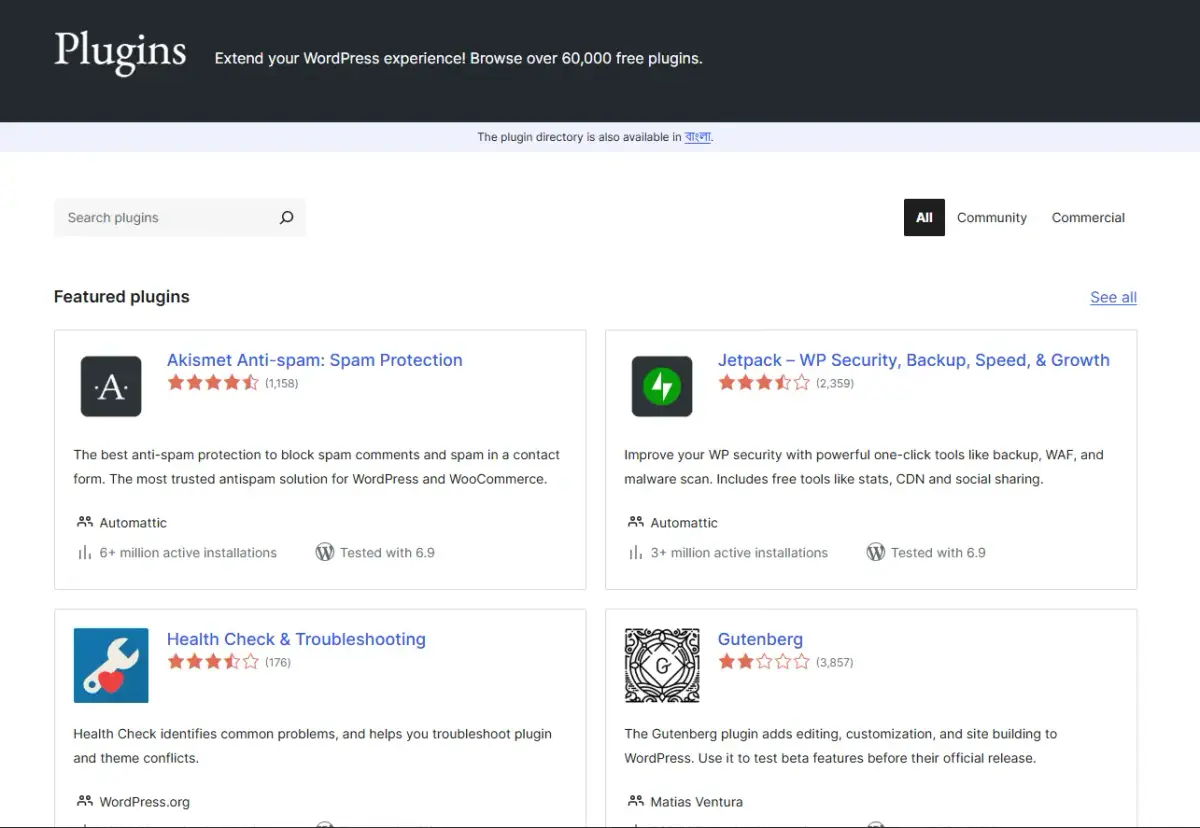
Plugins add features to WordPress websites. Instead of building everything manually, plugins allow users to extend functionality with minimal effort.
Common plugin uses include:
- Search engine optimization
- Security and firewalls
- Contact forms
- Performance optimization
- Online payments and eCommerce
- Booking and scheduling systems
With tens of thousands of plugins available, WordPress can be customized to support nearly any requirement.
Pages and Posts: Content Structure
WordPress organizes content into:
- Pages, used for static content such as About or Contact pages
- Posts, used for regularly updated content such as blog articles
This structure helps with organization, navigation, and search engine indexing.
The WordPress Dashboard
The WordPress dashboard is the administrative control panel where users manage content, appearance, plugins, users, and site settings. Everything needed to run a website is accessible from this centralized interface.
Is WordPress Free?
WordPress itself is free and open-source. You can download, install, and customize the software without paying for a license.
However, running a WordPress website usually involves additional costs, such as:
- A domain name
- Web hosting
- Optional premium themes or plugins
- Professional design or development services
The key advantage is that WordPress does not charge you to use the platform, and you retain full ownership of your website.
WordPress.org vs WordPress.com: What’s the Difference?
Although they share the same name, WordPress.org and WordPress.com are two different platforms.
WordPress.org (Self-Hosted WordPress)
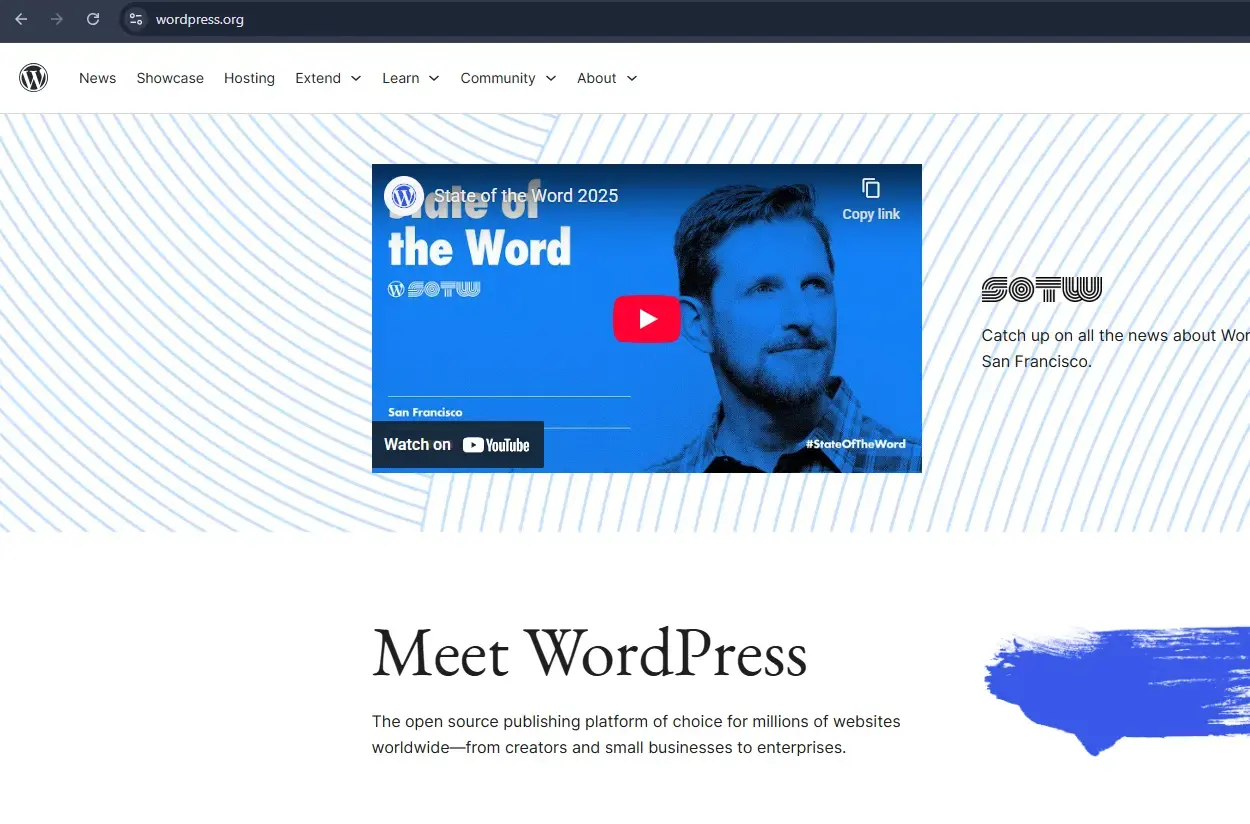
WordPress.org provides the free WordPress software that you install on your own hosting.
Key characteristics:
- Full control and ownership
- Ability to install any theme or plugin
- Greater flexibility and scalability
- Ideal for business and professional websites
WordPress.com (Hosted Platform)
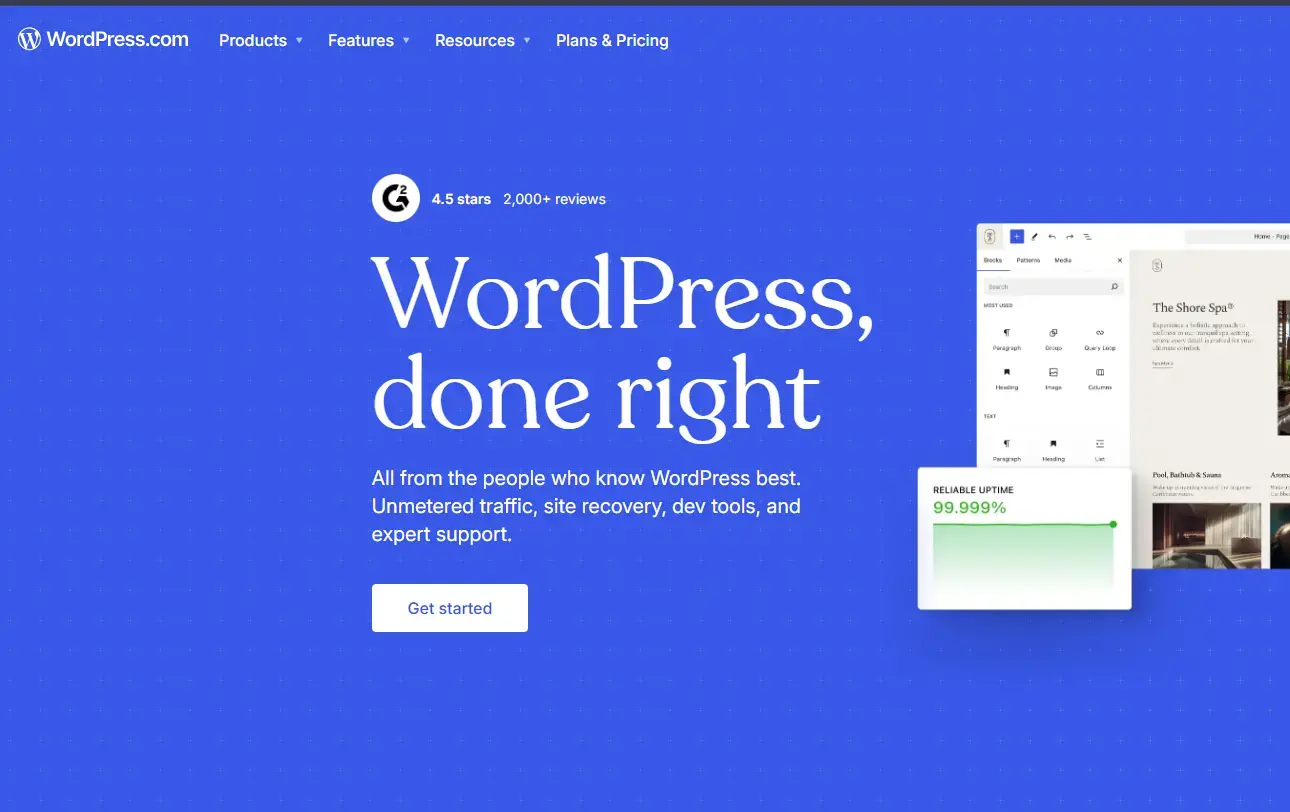
WordPress.com is a commercial service that hosts websites using the WordPress software.
Key characteristics:
- Easier initial setup
- Limited customization on lower plans
- Restrictions on plugins and themes unless upgraded
For long-term growth and control, most professional websites choose self-hosted WordPress from WordPress.org.
Who Created WordPress and How Long Has It Been Around?
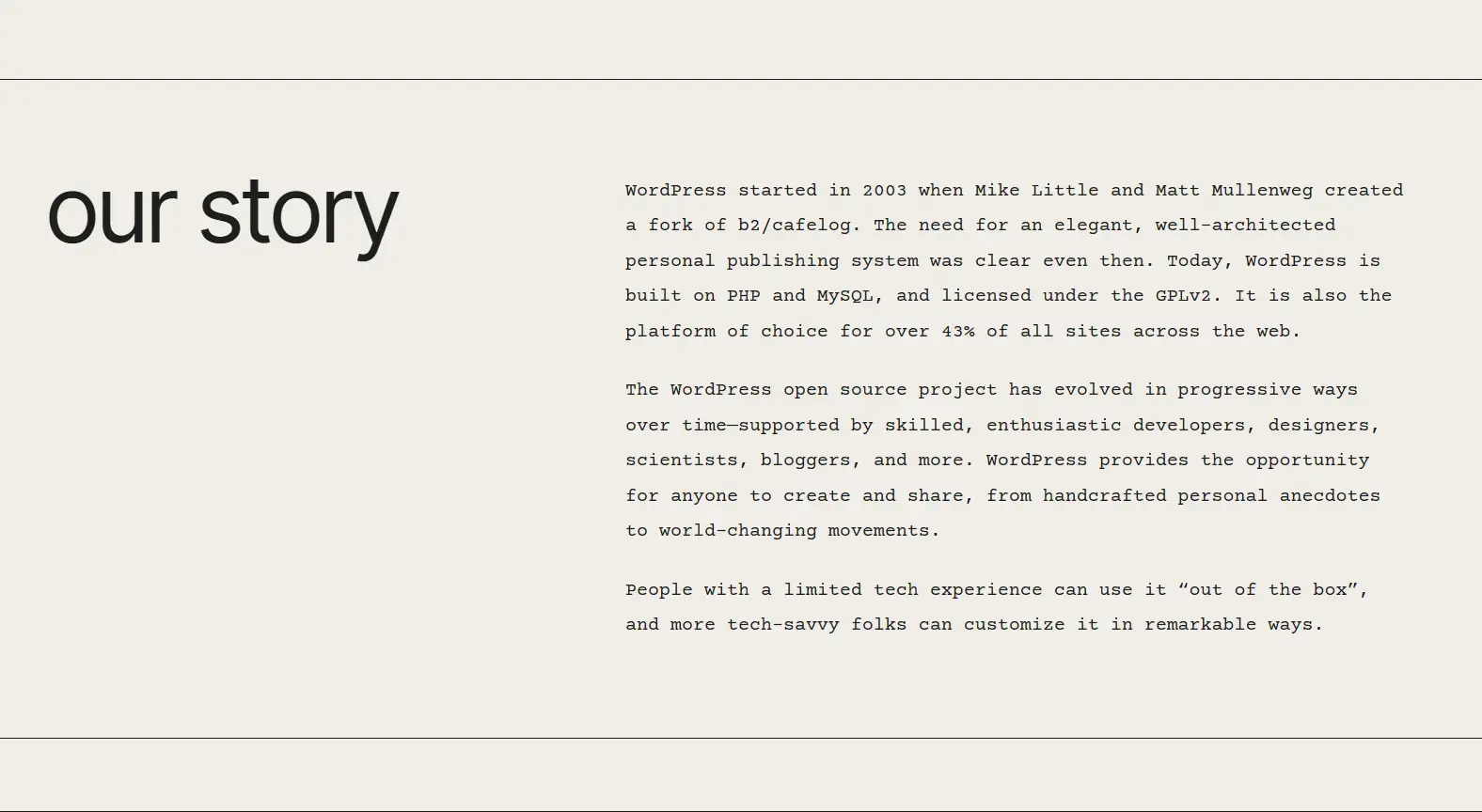
WordPress was launched in 2003 as a blogging platform. It was created by Matt Mullenweg and Mike Little as a continuation of an earlier project. WordPress has been around for over 22 years, first launched on May 27, 2003.
Because WordPress is open-source, it is now maintained by a global community of contributors. This collaborative development has allowed WordPress to evolve consistently while remaining adaptable to changes in web technology.
Who Uses WordPress?
WordPress is used by individuals, businesses, and organizations of all sizes.
Common users include:
- Small and medium-sized businesses
- Large corporations
- Government organizations
- Educational institutions
- Media companies
- Freelancers and creatives
Its ability to scale makes it suitable for both simple websites and high-traffic platforms.
Why WordPress Is the Most Popular Website Platform
WordPress continues to dominate the web because it offers a balance of accessibility and power.
1. Open-Source and Cost-Effective
WordPress is free to use and not tied to a proprietary system, giving website owners full control.
2. Flexible and Extensible
Themes and plugins allow WordPress to adapt to almost any requirement.
3. Accessible Without Technical Expertise
Most tasks can be handled through a visual interface without coding.
4. Scales as Needs Grow
WordPress can support both small websites and complex platforms.
5. Large Global Support Community
Help is readily available through documentation, forums, developers, and agencies.
Is WordPress Good for SEO?
WordPress is widely regarded as SEO-friendly when properly configured. It supports clean URLs, structured content, mobile responsiveness, and integration with SEO plugins.
While WordPress itself does not guarantee rankings, it provides a strong foundation for search engine optimization.
Is WordPress Secure?
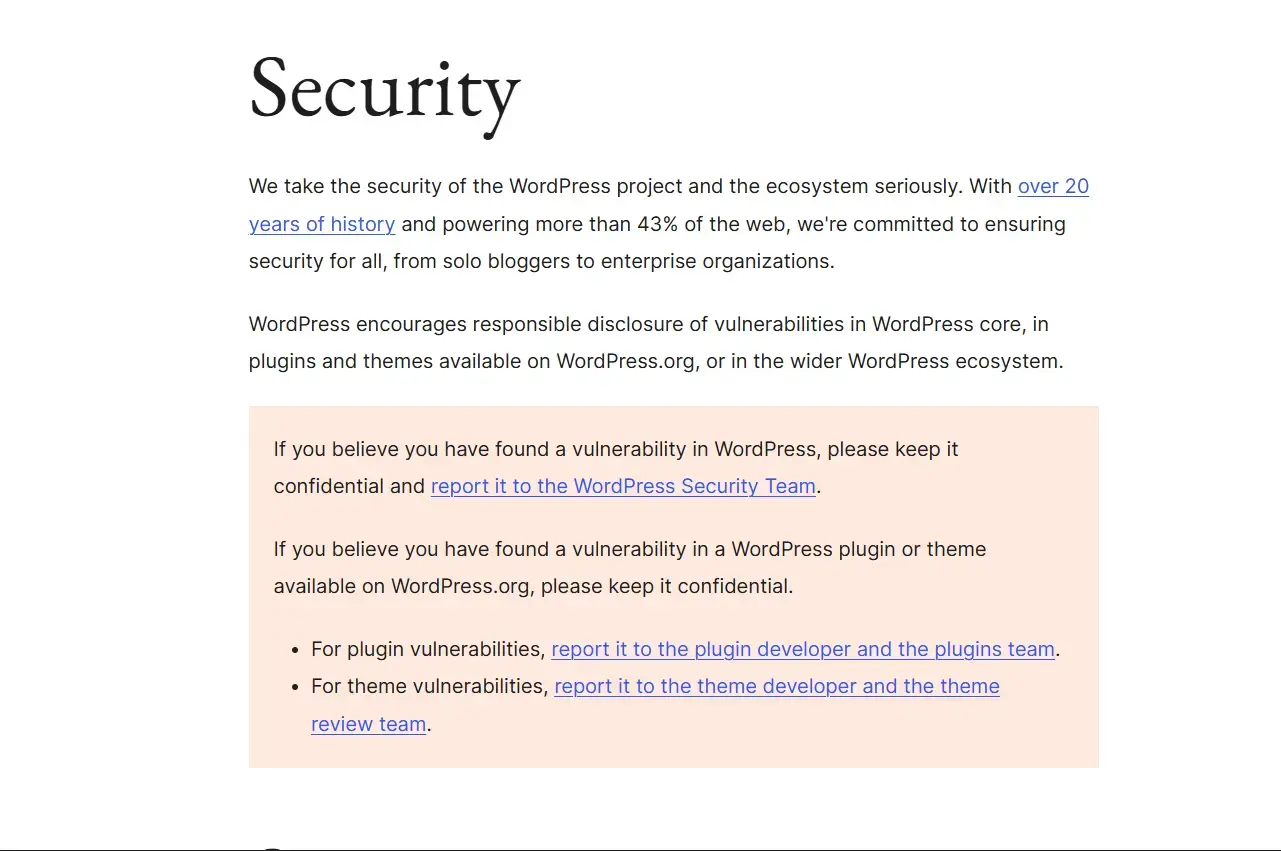
WordPress is secure when properly maintained. Security best practices include:
- Keeping WordPress, themes, and plugins updated
- Using reputable plugins and themes
- Applying strong passwords and user roles
- Using security plugins and regular backups
Most security issues arise from poor maintenance rather than from WordPress itself.
How Much Does a WordPress Website Cost?
The cost of a WordPress website depends on its complexity.
Basic websites may only require hosting, a domain, and a free theme. More advanced websites may involve premium plugins, custom design, and ongoing maintenance. WordPress allows costs to scale gradually as needs grow.
WordPress vs Other Website Builders
Compared to closed website builders, WordPress offers greater customization, full ownership of content, better scalability, and no platform lock-in. While some builders may feel simpler initially, WordPress provides more flexibility long term.
What Is WordPress Really?
So, what is WordPress at its core? It is a powerful content management framework that enables people and organizations to publish, manage, and grow their presence on the web.
Its open-source nature, extensive ecosystem, and adaptability have made WordPress the foundation of a large portion of the modern internet.
Frequently Asked Questions About WordPress
What is WordPress in simple terms?
WordPress is software that allows you to create and manage a website without needing to write code. It provides tools to publish content, customize design, and add features using themes and plugins.
What is WordPress used for?
WordPress is used to build blogs, business websites, eCommerce stores, portfolios, membership platforms, and many other types of websites.
Is WordPress free to use?
Yes, WordPress is free and open-source software. However, web hosting, a domain name, and optional premium tools usually involve costs.
What is the difference between WordPress.org and WordPress.com?
WordPress.org offers the self-hosted version with full control and customization, while WordPress.com is a hosted service with limitations unless upgraded.
Do you need coding skills to use WordPress?
No, WordPress can be used without coding skills. Most features are managed through a visual dashboard, though coding can help with advanced customization.
Is WordPress good for SEO?
Yes, WordPress is SEO-friendly and supports clean URLs, structured content, mobile responsiveness, and SEO plugins.
Is WordPress secure?
WordPress is secure when properly maintained with updates, trusted plugins, strong passwords, and security best practices.
How much does a WordPress website cost?
Costs vary depending on hosting, themes, plugins, and whether professional services are used.
Who should use WordPress?
WordPress is suitable for individuals, businesses, creators, and organizations that want flexibility, ownership, and long-term scalability.
More Articles For You
Keep learning — explore more guides on SEO, web design, and growth.